





ATLAS Pro IPTV subscription renewal helps existing customers extend a compatible IPTV service. Before purchasing, confirm your current subscription details, device model, the available renewal term, the supported channels and the final price. Do not change a working receiver or app setup until you have the correct renewal instructions.
Verify your ATLAS Pro IPTV account before renewal
The renewal method can depend on the particular ATLAS Pro IPTV edition, player and device. Check the existing activation code or account identification, the expiry date and any device-specific information requested by the provider. A new subscription and renewal of an existing one are not always the same process.
- Record the current device model and operating system.
- Confirm the existing account or activation method and expiry date.
- Check which ATLAS Pro IPTV edition or plan is supported on your device.
- Ask about the current price, term, simultaneous-device limit and renewal policy.
- Confirm that any player license required by the device is included or sold separately.
Choose the right ATLAS Pro IPTV renewal period
The product page can offer multiple subscription terms or variants. The currently available options, prices and included features should be confirmed at checkout. Choose the period based on compatibility and the channels you use rather than an unverified claim about channel counts or guaranteed stability.
Supported devices and installation
IPTV services may be accessed through compatible receivers, televisions and streaming apps, depending on the exact plan. Verify your player supports the activation method before buying. See Store SAT Android apps when using a supported Android device.
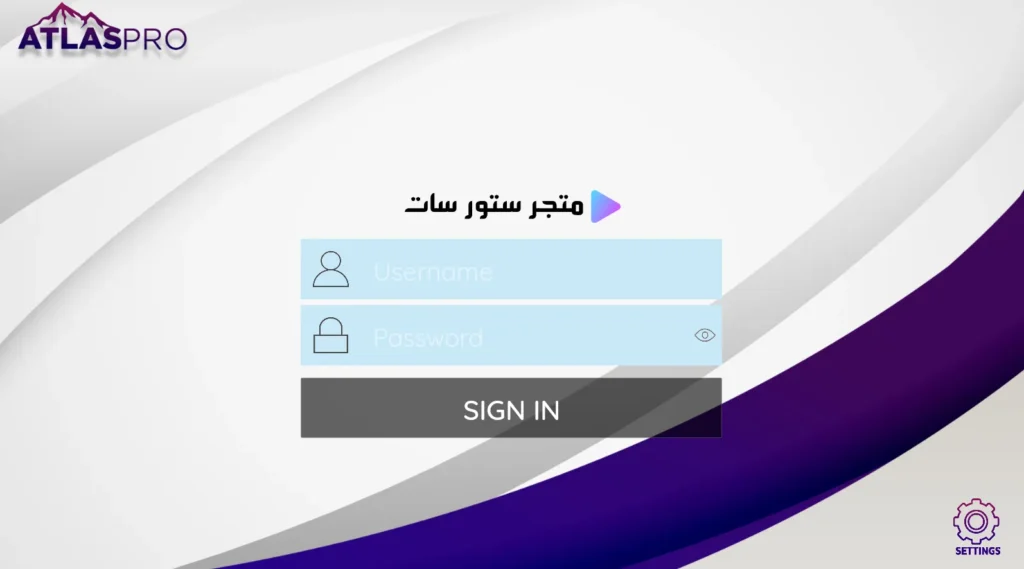
How to renew ATLAS Pro IPTV
- Check your current expiry date and service account status.
- Provide the exact supported device or subscription identification securely.
- Confirm the renewal term, total cost and compatible package.
- Follow the vendor-supported activation or renewal steps.
- Test your essential channels and verify that the service period was extended.
Channels, VOD and streaming quality
The channel lineup and any on-demand library depend on the specific service and current subscription terms. Ask Store SAT to verify the content relevant to your household. A 4K-capable device or package label does not mean every stream is available at 4K; the source, display and connection also matter.
Troubleshooting renewal issues
If the renewed service does not start, confirm the account or activation code, check the app and device compatibility and test the internet connection. Do not reset a working configuration just because a channel buffers. Ask support to verify whether the renewal was attached to the correct account.
Frequently asked questions about ATLAS Pro IPTV
Can I renew without buying a new player?
Often this is possible when the existing app and account are supported. Confirm the renewal method before payment.
Does every channel work in 4K?
No. Resolution varies by stream, service, device and network.
Can I watch on multiple screens?
Only if your selected subscription permits the required connections and devices.
What if my activation code is not accepted?
Verify the code, device model and plan with the provider rather than changing an unrelated working setup.
Confirm the ATLAS Pro IPTV renewal order
Compare current IPTV subscription options, and confirm the correct ATLAS Pro IPTV plan, price, device and support terms with Store SAT before completing payment.




Reviews