





Sawa IPTV subscription renewal is for existing users who want to extend access on a compatible device. Before ordering, confirm the current account details, expiry date, device, plan duration, service availability and the final Store SAT price.

Check your subscription before renewing
Keep your current working device configuration and confirm how Sawa IPTV handles renewal. The service may use an account, device identifier or activation code. Do not buy another code unless it is compatible with your existing subscription.
- Confirm your current subscription expiry.
- Identify the receiver, Smart TV, computer or player you actually use.
- Check which activation details are required for renewal.
- Confirm price, currency, available terms and permitted simultaneous devices.
- Ask about technical support and whether the renewal extends the same account.
Channels, entertainment and picture quality
Channel categories and on-demand libraries depend on the exact Sawa IPTV plan and current service availability. Confirm any sports, Arabic or international channels that matter to you. High-resolution labels do not guarantee that all streams are available in 4K.
Steps to renew Sawa IPTV
- Locate your current subscription credentials and device details.
- Check whether the existing subscription can be extended.
- Select a renewal term after reviewing its current price.
- Use the supplier-supported activation or renewal process.
- Test your priority channels and verify the updated expiry information.
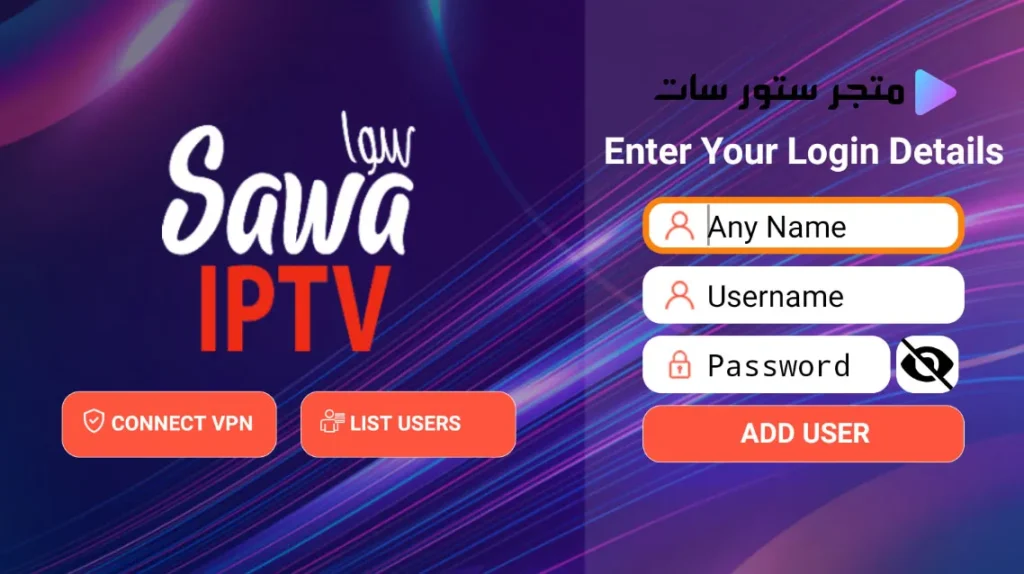
Player app and service subscription are different
Some IPTV apps need separate activation fees even when a content subscription has already been purchased. Verify the player supported by your device before paying. Compare current IPTV packages and browse Android applications if relevant.
What to do if the renewed service does not work
First check the account status, expiry, current connection and whether the correct credentials were used. Do not reset a working receiver or application until you have checked the renewal details with support.
Frequently asked questions
Does renewal keep my current settings?
That depends on the provider and activation method. Ask before changing any configured device.
Are player licenses included?
Not automatically. Player activation may be sold separately from the subscription.
Does every channel stream in 4K?
No; resolution depends on each stream, device and internet connection.
Can I use several TVs at once?
Only if your subscription allows the appropriate number of connections.
Confirm the current Sawa renewal terms
Send Store SAT the necessary subscription and device details securely, and confirm the current renewal price, supported content, term and activation requirements before paying.




Reviews