
Store SAT — IPTV Subscriptions & Streaming Servers for All Devices and Smart TVs
Powerful servers for a perfect watch: IPTV 4K and activation of Smarters PRO and all apps, plus sharing servers for receivers — a free 24-hour trial before you buy, instant activation anywhere in the world.
- Up to 4K UHD quality
- No buffering — Anti-Freeze
- Full EPG channel guide
- Works worldwide — no VPN
- Instant activation
- 24/7 support
Arabic & international channels
Stable live streaming
Huge VOD library
Movies, series and subtitles
Instant activation
Your credentials arrive within minutes
Real human support
All week long
Shop by service type
Everything you need for complete digital viewing in one place — direct links to the store sections on the official website.
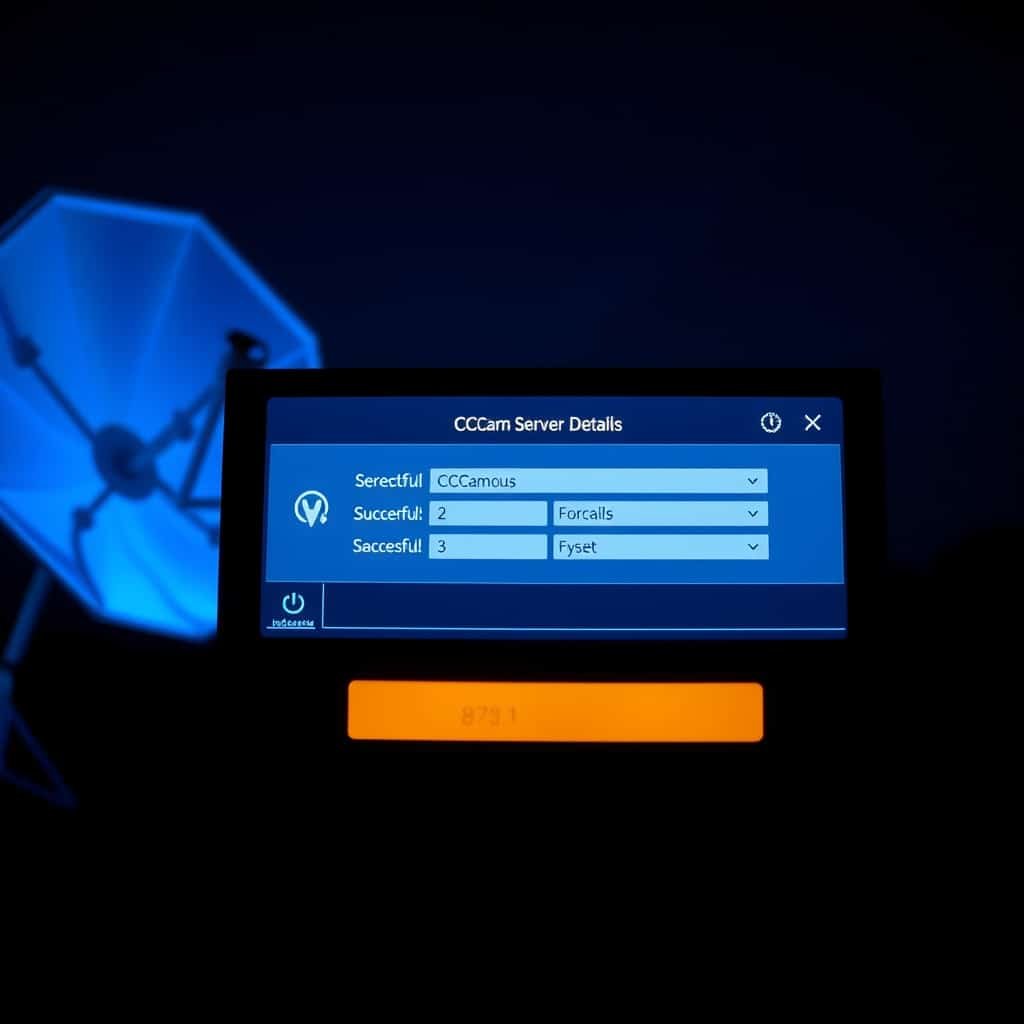
Sharing Servers
Original sharing servers with instant renewal for CCcam subscriptions and receivers
Player activations
Official, instant activation codes for Smarters PRO, IBO and more
How to Choose the IPTV Subscription That Actually Fits You
Quick usage guide: pick your situation and know exactly what you need before buying — if you are new to the service, the best start is the free trial.
| Your situation | What you need | What to check | Best starting point |
|---|---|---|---|
| Smart TV (Samsung / LG) | IPTV subscription + a compatible player app | Available in your screen's official app store | Smart TV subscription |
| Phone or tablet | app Smarters PRO or supported player | Xtream Codes or M3U link support | Smarters PRO Activation |
| receiver (Echolink / Starsat) | CCcam or IKS sharing server | Device model and firmware update readiness | Sharing Servers |
| TV Box or Fire Stick | IPTV subscription + Android app | Android version and available storage | TV Box subscription |
| Trial before you buy | 24-hour trial subscription | Stream quality and server response speed | The free trial |
| Live sports viewing | 4K subscription + EPG channel guide | Sports channels stability and connection count | IPTV 4K subscription |
IPTV Smarters Pro Subscription — Do You Buy an App or a Server?
One of the most frequent questions: is an IPTV Smarters Pro App or server? The short answer: The app is just a player, while the subscription is the server that brings you channels and movies in 4K. The IPTV Smarters PRO app does not work alone and carries no channels; it is an elegant interface that displays your subscription content and supports Xtream Codes, M3U, EPG and Catch-Up.
in Store SAT We sell you the part that matters: a ready server subscription with instant activation that works on Smarters PRO and all supported apps, with clear login details and a full Arabic walkthrough to set the app up on any device — from smart TVs to phones and portable TV devices.
What data do IPTV apps use?
Xtream Codes
Login with only four fields: username, password and server URL — the fastest and most stable method inside Smarters PRO, supported by default in all our subscriptions.
M3U
A ready playlist link that plays on most players and older screens — useful when your device does not support direct Xtream login.
EPG
A complete electronic channel guide in local time, showing programme and match schedules in advance so you never miss an event you are waiting for.
Catch Up
Catch-Up lets you go back to programmes you missed on supported channels with no prior recording.
The Most Demanded IPTV Servers in the Best IPTV Subscription Store
Proven servers with up-to-4K quality and high stability for sports, series and Arabic channels worldwide — renewal or new subscription activates instantly.
IPTV App Activations — Smarters PRO and the Best Players
Official activation codes delivered instantly after ordering and working on all devices listed in the table.
An important, frank warning: All the apps above are just players that carry no channels by themselves — you need an active server subscription to play content inside them. Every activation we sell is tied to an active subscription on our servers.
| The app | Supported platforms | Activation method | Note |
|---|---|---|---|
| IPTV Smarters PRO | Android, iOS, Windows, Mac, Fire Stick | Xtream Codes / M3U | The most popular and most compatible with all devices |
| IBO Player | Samsung Tizen, LG webOS | Device key + MAC address | Instant official activation for smart TVs |
| BOB Player | Android, smart TVs | Xtream Codes / M3U | Light and fast on modest devices |
| Hot Player | Android, TV Box | Activation code | Suitable for old and low-spec devices |
| Flixtra | Tizen / webOS | Activation code | Works with no APK download at all |
| Bay Player | Android, iOS, TV Box | Xtream Codes | 4K video support and a modern interface |
Sharing servers & free CCCAM
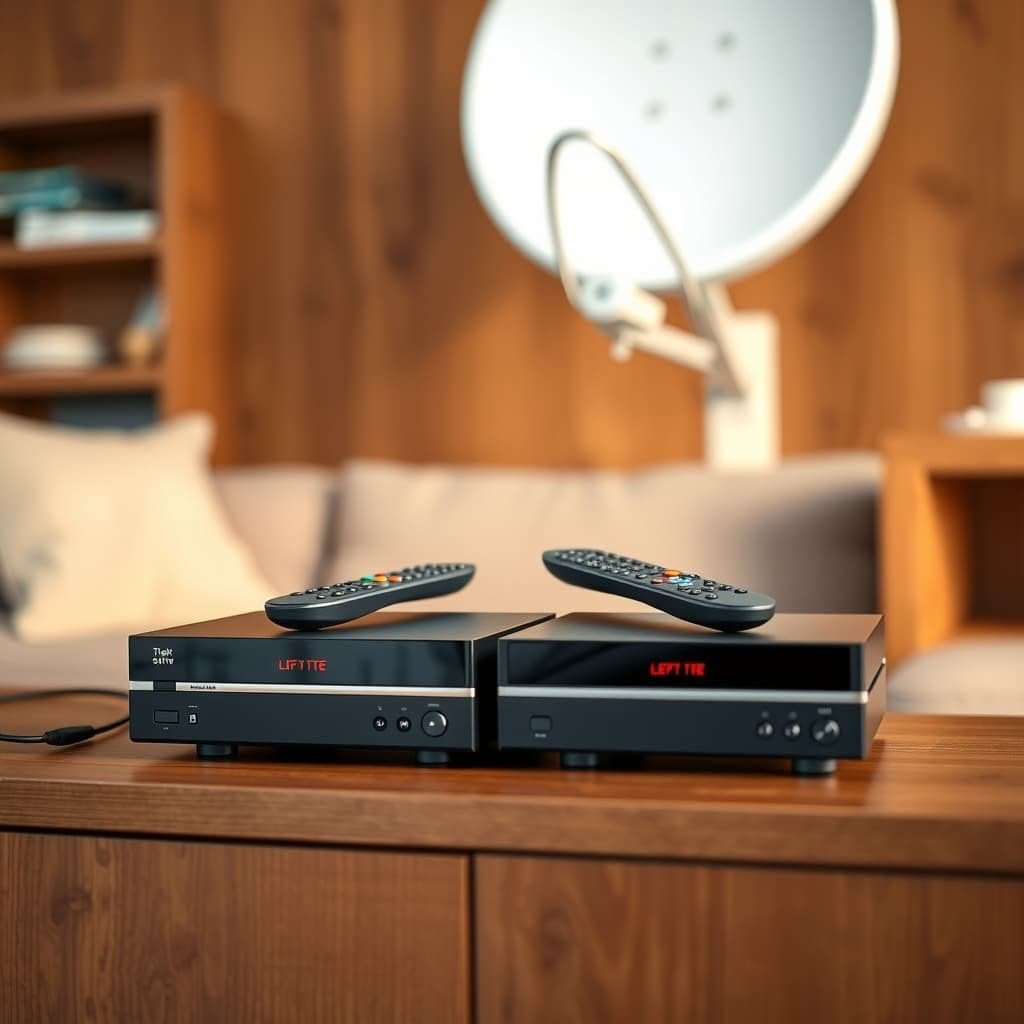
For receiver users: Echolink, Starsat and other devices work with original sharing servers, and you can test server quality for free before any renewal.

Original sharing servers
CCcam and IKS with instant renewal and stable operation on the most popular receivers, with technical support helping you set up step by step.
Free CCCAM from Store SAT
A free CCcam server from our team to test sharing quality on your device before buying the full subscription.
🛠️ Useful guides: IPTV vs Sharing Servers — Updated channel frequencies
IPTV Subscription for All Devices & Screens — Apps Guide and a Subscription for Every Screen
Know the difference before you choose: Apps pages Setup guides for the right app on every device, while Subscription products are actually tailored to your screen type (LG, Samsung, Toshiba, ROKU and more). Pick your device: you will find its apps guide plus the matching subscription — and one subscription works across your devices.
IPTV Subscriptions for Other Screens — Tailored to Your TV Brand
These are real subscription products tailored to every screen type (not apps pages) — the same categories listed in the IPTV by screen at the top of the page. Choose your TV brand and receive credentials tuned to it with the best quality and full Arabic setup.
Apple TV 4K
A dedicated subscription for Apple TV with 4K quality and stable playback
Cheap IPTV Subscription with Content for the Whole Family
One subscription opens varied libraries: series, movies, sports and kids' programmes — neatly organized inside the app.


IPTV Monthly Subscription or IPTV Yearly Subscription? Pick Your Term and Start Watching
Channels, quality and support are identical across plans — only the term and price differ. Not sure? Start with the free 24-hour trial and decide with confidence.
IPTV Monthly Subscription
The perfect start if you are trying the service or need one season — the same powerful servers and quality, with monthly renewal flexibility.
- Instant activation within minutes of ordering
- Up to 4K quality with no buffering
- Full EPG guide in local time
- Support all week long
IPTV Yearly Subscription
The smart choice for a full year of peace of mind: the lowest cost for extra months of viewing, with your same credentials and no new setup.
- Much bigger savings versus monthly renewal
- Same 4K quality and stability as the monthly servers
- Yearly renewal with your same credentials, no re-setup
- Priority technical support and faster follow-up
Try first: free 24-hour IPTV 4K trial subscription — Test the server on your device before any commitment.
The Latest from the Store SAT Blog
New articles every week: activation walkthroughs, streaming fixes, server comparisons and updated channel frequencies — shown here automatically the moment they are published in WordPress.
IPTV Guide Empty or Showing Wrong Times? How to Fix the EPG
IPTV Guide Empty or Showing Wrong Times? How to Fix the EPG — practical guidance, checks and troubleshooting for buyers and viewers.
Read article
Do You Need a VPN for IPTV? When It Helps and When It Hurts Quality
Do You Need a VPN for IPTV? When It Helps and When It Hurts Quality — practical guidance, checks and troubleshooting for…
Read article
IPTV Audio and Subtitle Problems: The Right Order to Fix Them
IPTV Audio and Subtitle Problems: The Right Order to Fix Them — practical guidance, checks and troubleshooting for buyers and viewers.
Read article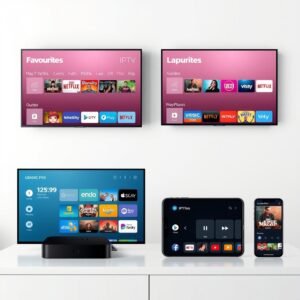
Which IPTV Player Should You Use? Smarters, IBO, BOB and TiviMate Compared
Which IPTV Player Should You Use? Smarters, IBO, BOB and TiviMate Compared — practical guidance, checks and troubleshooting for buyers and viewers.
Read article
Arabic Channels in Europe: The Practical Alternative to a Satellite Dish
Arabic Channels in Europe: The Practical Alternative to a Satellite Dish — practical guidance, checks and troubleshooting for buyers and viewers.
Read article
How Long Does IPTV Activation Take? The Timeline and What to Do If It Is Late
How Long Does IPTV Activation Take? The Timeline and What to Do If It Is Late — practical guidance, checks and troubleshooting…
Read articleThe Guides Library — Read Before You Buy
We believe an informed customer stays with us: every answer about subscriptions, activation, stability and legality lives in detailed guides.
FAQ — Everything That Matters Before You Subscribe
Direct, clear answers to our customers' most frequent questions. Didn't find yours? Our support team replies anytime.
What is an IPTV subscription and how does it work?
An IPTV subscription streams channels and movies over the internet instead of satellite or cable. After ordering you receive server credentials; enter them in a player app like Smarters PRO and the channels appear instantly in up to 4K quality.
What is the difference between the Smarters PRO app and the subscription itself?
The IPTV Smarters PRO app is only a player that displays content and carries no channels inside it, while the subscription is the actual content server. You need both together: a working subscription from Store SAT + any player you like — we provide the subscription and walk you through the app setup step by step.
Do I need a special device to run the subscription?
No. The subscription works on smart TVs (Samsung, LG, Toshiba), Android TV Boxes, Fire Stick, iPhone, iPad, Windows and Mac computers, and even some receivers via sharing servers. Pick your device from the devices section above to see the right app.
What internet speed is required for 4K quality?
We recommend 25 Mbps or higher for stable 4K; 10 Mbps is enough for FHD/HD. In most apps quality auto-adjusts to your speed, so streaming keeps working even at lower speeds with a temporary drop in resolution.
How many devices can run one subscription at the same time?
The standard subscription runs on one device at a time, and you can upgrade the number of simultaneous connections on request. You can install the credentials on several devices, but concurrent viewing follows the connection count chosen in your plan.
Does the subscription work abroad or while travelling?
Yes — the service is fully global and works anywhere with stable internet: the Gulf, Europe, the US, Canada, Australia and everywhere else, with no VPN needed. We have dedicated subscriptions for Arabic channels in the US, Canada and Europe.
How do I get a free 24-hour IPTV trial?
Open the 24-hour IPTV 4K trial subscription page and order the trial; your server credentials arrive within a short time so you can test quality and stability on your real device before buying. The trial gives you the same servers as the paid subscriptions.
How long does activation take after payment?
Most orders are delivered instantly or within minutes during working hours: subscription credentials or the app activation code arrive right after payment confirmation, with a short Arabic setup walkthrough for your device.
What is the difference between IPTV servers and sharing servers?
IPTV servers run through player apps over the internet and offer channels and huge libraries, while sharing servers (CCcam/IKS) work on traditional receivers to open encrypted channels. Our detailed guide explains exactly which one fits your device.
Is there an EPG guide in local time?
Yes, all our subscriptions include a full EPG that works in apps like Smarters PRO and TiviMate, showing programme and match times in your local timezone so you always know what is on now and what comes next.
Do the subscriptions include Arabic channels in Europe and America?
Yes, core Arabic, sports and entertainment channels work in Europe, North America and Australia, and we have dedicated packages such as the Arabic channels subscription for the US and Canada in 4K tuned for the region.
What happens when my subscription term ends?
Your credentials pause when the term ends, and you can renew anytime with the same credentials and no re-setup — renewal pages for servers like ALFA, GOGO and Apollo are available in the store and renewal activates instantly.
Can I try the app before buying the activation?
Most apps are free to download (like Smarters PRO); you only pay an activation code for apps that require one, such as IBO Player and Flixtra. The best entry is the free 24-hour trial to test everything on your device.
What payment methods are available?
We offer multiple payment options for customers in different countries, and the available methods appear automatically at checkout. For any question about a specific payment method, contact support before ordering.
What if I face buffering or stream drops?
First check your internet speed and try a network cable instead of Wi-Fi, then restart the app. If the issue persists, support follows up immediately with the servers team — which is why we always recommend the free trial first.
Do you offer a free sharing server for testing?
Yes — the Free CCCAM page offers a trial CCcam server from the Store SAT team so you can test sharing quality on your receiver before buying a full subscription.
Is the service legal?
The legality of IPTV services varies by country and relates to the content source and its licenses. We wrote a full guide explaining the legal aspects and the factors you should understand in your country before subscribing — we encourage you to read it.
What is the refund and cancellation policy?
We have a published refund policy detailing when refunds are accepted, the process and timeframes. Read it before buying; for any genuine technical issue, support remains the first stop to solve it quickly.
Do you publish new channel frequencies?
Yes, our blog continuously updates sports and Arabic channel frequencies (Saudi Arabia, Kuwait, Dubai and more), and the latest frequencies appear automatically in the latest-articles section of this page.
How do I contact technical support?
Via the Contact page on our website — the support team is available all week to help you choose, set up, and solve any streaming or activation issue quickly and professionally.
❓ More answers in the full FAQ page
Ready to watch in the best quality? Start with the free trial
Test the server on your device free for 24 hours — if you like the quality, buy with confidence and activate instantly.