




GOGO IPTV Subscription — Renewal for ICONE and Android Devices
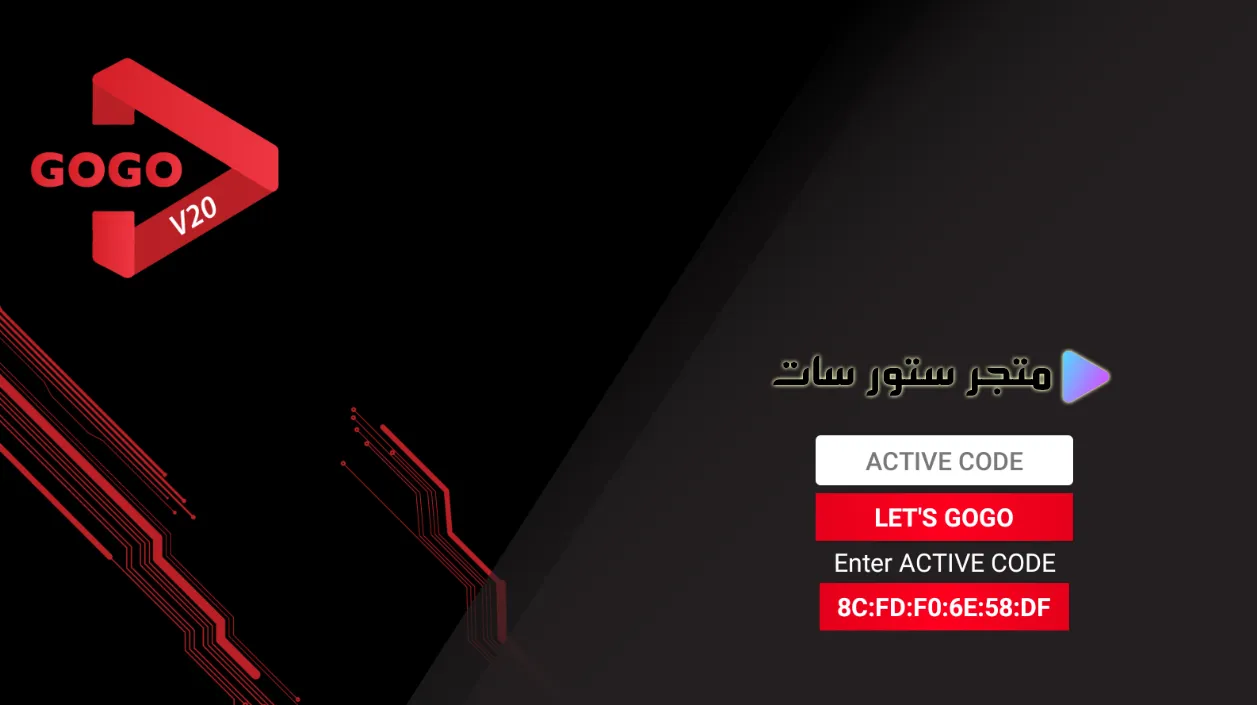
A GOGO IPTV subscription should be renewed only after you confirm the exact device, package level and current Store SAT price. The live product page positions GOGO mainly for compatible ICONE receivers and Android devices, with Standard and Premium package options rather than one universal setup for every device.
Confirm your GOGO device and package before renewal
| Check | What the current page says | What to confirm |
|---|---|---|
| ICONE devices | GOGO is presented as strongly compatible with the ICONE ecosystem | Your exact receiver model and activation path |
| Android | The GOGO app can be used on compatible Android devices | App availability and supported OS version |
| Package | Standard and Premium variants are listed | Current channel/content difference and price |
Do not assume that a package name alone tells you the number of channels or the exact lineup. Ask support for the current package details before payment because content and commercial terms can change.
What GOGO offers on compatible ICONE receivers
The current page highlights ICONE receivers running Android, with Wi‑Fi and Ethernet connectivity plus HDMI, USB and Bluetooth support. Those hardware features matter because stable network access and a supported device are more important than a generic promise of high quality.
- Use Ethernet when possible for a more stable connection.
- Check that the GOGO application or service section is present on your device.
- Confirm whether your renewal is Standard or Premium.
- Keep the device model and existing account/code details ready before contacting support.
Renew GOGO IPTV in a controlled way
- Identify the exact ICONE receiver or Android device.
- Confirm that GOGO is supported on that model.
- Ask Store SAT for the current term, package and price.
- Complete payment only after the activation method is clear.
- Apply the renewal using the supported GOGO section or application.
- Verify the expiry date and test playback on your own network.
Standard vs Premium should be compared on current details
The existing page describes Standard as the basic option and Premium as the broader package. Treat that as a package distinction, not a permanent channel guarantee. If a specific sports, Arabic, European or entertainment service is essential to you, ask for confirmation before buying the longer term.
Frequently asked questions about GOGO IPTV subscription
Does GOGO work on every receiver?
No. The current Store SAT page emphasizes compatible set-top boxes, Android devices and ICONE devices. Confirm your exact model first.
What is the difference between Standard and Premium?
The live page lists both versions, with Premium described as broader. The exact current lineup and price should be confirmed at purchase time.
Can GOGO run on Android?
Yes, the current page lists Android support when the GOGO application is available and compatible.
How do I renew GOGO?
Contact Store SAT with your device and current subscription details, then follow the activation method supplied for that device.
What is the current GOGO IPTV price?
The page does not provide a dependable fixed numeric price in the product text. Confirm the current total before payment.
Renew only after the device and package are verified
A GOGO IPTV subscription is a device-dependent renewal, not a one-size-fits-all purchase. Confirm the receiver, package level, duration and current price first, then activate and test it on the same device you plan to use.



Reviews
There are no reviews yet.